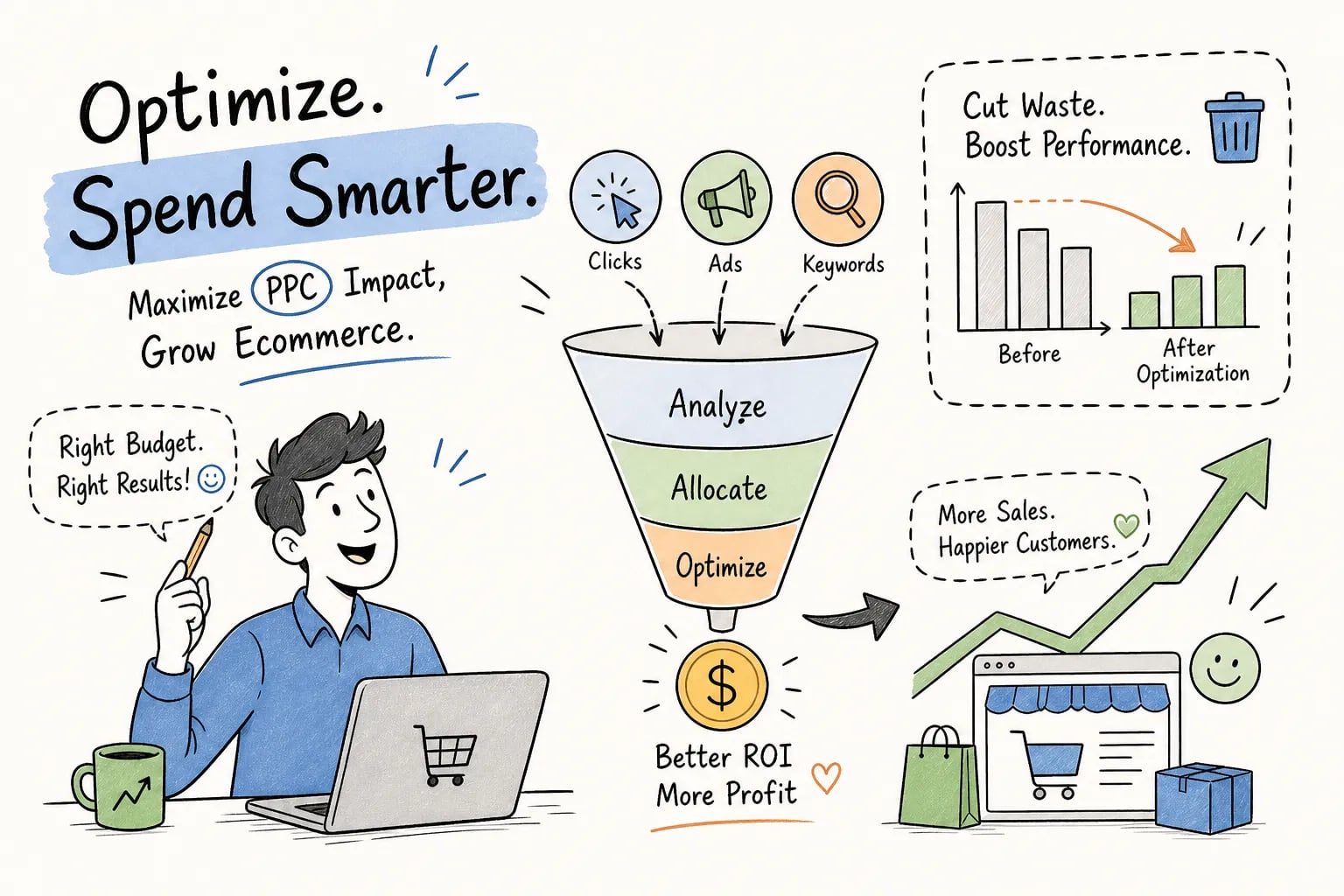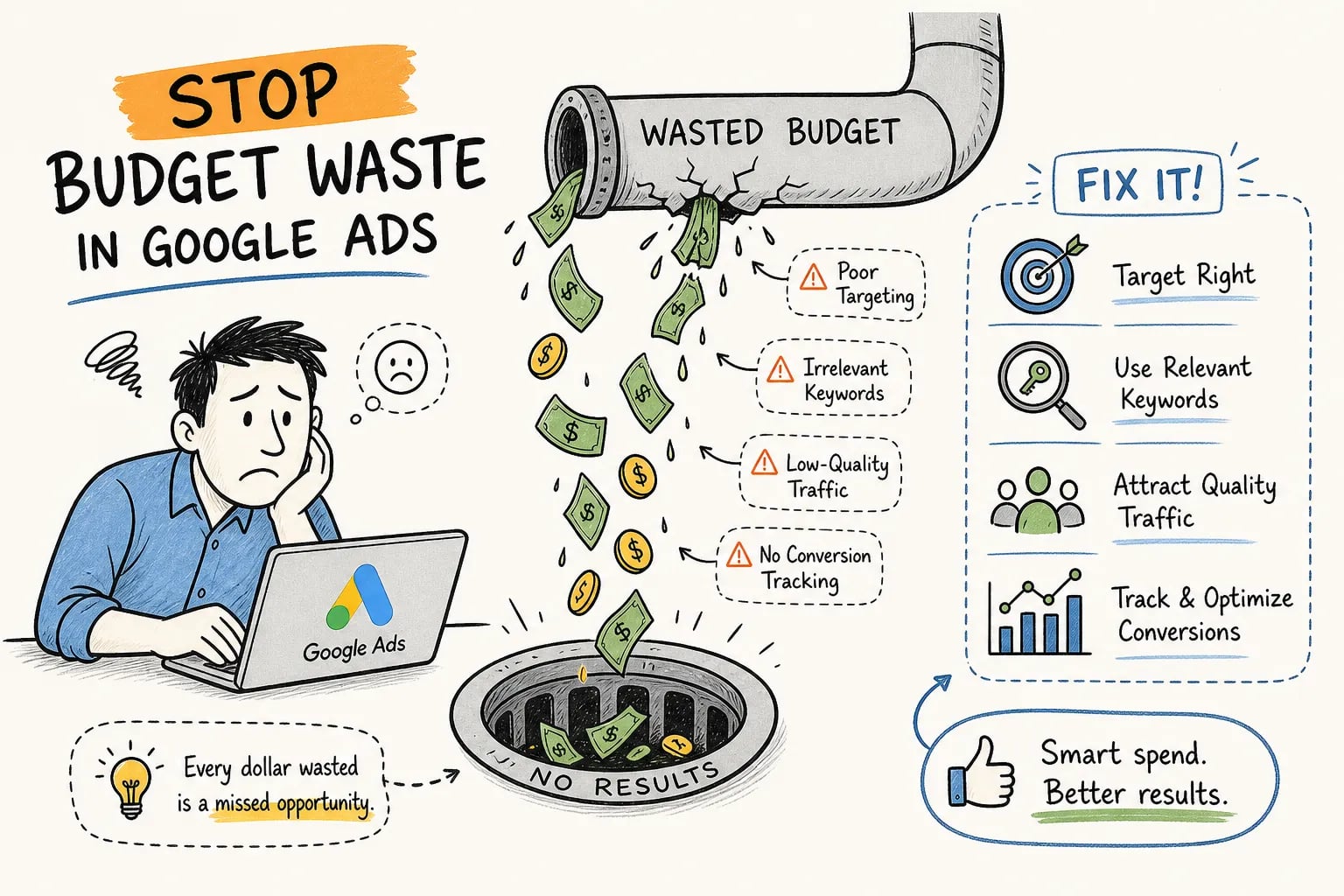


To reduce wasted ad spend, start by accepting an uncomfortable truth: across accounts audited in the industry, roughly 25 to 40% of Google Ads budgets flow toward traffic that will never convert. For ecommerce advertisers operating on thin margins, that figure is not a rounding error. It is a profitability problem, and most accounts carry it without knowing exactly where the bleeding is happening.
The waste rarely shows up as a single obvious failure. It hides in search terms nobody is reviewing, match types that were set once and forgotten, and audiences that were never properly excluded. At EcomTalkPoint, this diagnostic is the first thing the team runs during every new account audit, and the findings consistently point to the same set of problems in different configurations. That pattern is actually good news: if the same problems keep appearing, the same fixes keep working.
This guide walks through the most common causes of ad budget leakage in Google Ads and the specific fixes that move the needle fastest on wasted spend and lower CPA.
What’s actually causing the bleed: the four root categories of ad budget waste
Before auditing individual settings, it helps to understand that ad budget waste almost always falls into one of four root categories: targeting waste, measurement waste, message-to-page mismatch, and automation waste. Most accounts are losing money across two or three of these simultaneously, which is why a single tactical fix rarely solves the entire problem.
Targeting waste means ads are reaching people, locations, or devices that will not convert at a profitable cost. Measurement waste means the platform’s data is incomplete or incorrect, so it is optimizing toward events that do not actually map to revenue. Message-to-page mismatch means the click happens but the landing page fails to close it. Automation waste means Smart Bidding is functioning correctly but pointed at the wrong goal entirely.
The rest of this article focuses on targeting and measurement waste, the two categories that generate the most immediate and recoverable losses in ecommerce accounts. These are also the areas where fixes tend to show results within the first billing cycle, which makes them the right place to start when the goal is to minimize ad budget waste quickly.
How to reduce wasted ad spend: match type misuse and the runaway search term problem
The single biggest source of irrelevant clicks in most ecommerce Google Ads accounts is broad match running without sufficient negative keyword coverage. Broad match has expanded significantly in how it interprets queries, and while it can be useful when paired with strong conversion data and Smart Bidding, it creates serious waste in accounts that are not actively monitoring search terms. A campaign targeting “men’s running shoes” on broad match can easily serve ads against queries like “free running training plan” or “how to break in shoes”, both completely non-commercial and both burning real budget.
The problem compounds over time. Algorithms learn from the clicks they receive. If broad match sends traffic to low-intent queries early, Smart Bidding can start treating that traffic pattern as normal and bid more aggressively toward it. Reviewing the search terms report is not optional maintenance; it is a core diagnostic that should run at least weekly, or every seven to fourteen days at minimum, for any active ecommerce account. Sort by spend descending, filter for zero-conversion terms with meaningful spend, and those become your immediate negative keyword candidates.
The search terms report is also where you catch match type drift in phrase and exact campaigns. Even tightly configured campaigns will occasionally serve against adjacent queries, for example, a phrase match campaign for “leather work boots” bleeding into “leather boot care kit” searches, and catching those early prevents the algorithm from building a history of low-quality traffic that then requires time to unwind.
Reduce wasted ad spend with negative keywords: the highest-ROI fix in most accounts
Universal negatives to cut wasted ad spend fast
Negative keywords are the most direct way to stop wasting ad budget. In accounts that have not been actively managed, a single audit of the search terms report against a strong negative keyword framework can often yield same-day or next-day reductions in irrelevant spend. The key is knowing which negatives to add first and how to structure them so they protect coverage without over-blocking legitimate traffic.
The fastest wins come from blocking four categories of clearly non-buying intent:
- Job and career terms, salary, hiring, internship, careers
- Free and DIY intent, free, how-to, tutorial, homemade, make your own
- Informational queries, review, compare, images, what is, history of
- Competitor brands you are not intentionally targeting
These categories apply across nearly every ecommerce vertical, from apparel to home goods to specialty retail, making them a reliable starting point regardless of account category.
How to scale shared negatives across campaigns
The right structural approach is to build shared negative keyword lists at the account level for universal exclusions and add campaign-level negatives for anything specific to a particular product line or intent cluster. Shared lists make it possible to scale exclusions across campaigns without manually updating each one every time a new waste pattern appears. Set them up once, update them regularly, and they become a self-reinforcing defense against ad budget leakage.
Use exact match negatives for one-off bad queries and phrase match negatives for broader clusters of intent. Broad match negatives at the account level risk blocking more traffic than intended, so reserve those for truly universal exclusions where there is no risk of cutting off legitimate searches.
Audience and geographic targeting gaps that drain budget silently
Keyword targeting gets most of the attention in Google Ads audits, but audience and geographic settings are where a significant amount of wasted media spend hides. An ecommerce brand shipping only within the continental US paying for clicks from outside the target region, a campaign serving on mobile devices at a conversion rate significantly below desktop with no bid adjustment applied, or a remarketing campaign failing to exclude existing customers, these are common configurations that burn budget without triggering any obvious alert in the platform interface.
Audience exclusions are equally underused. Excluding people who have already purchased, employees, or visitors who hit non-buying pages like careers or support is just as important as building the right inclusion audiences. The goal is to define who sees your ads and then cut that list down to the highest-probability new buyers. Recent purchasers and existing customers are the two exclusion segments with the most consistent impact on acquisition campaign efficiency. In the EcomTalkPoint team’s experience, they are also among the most frequently missing from accounts at the point of audit, making them a reliable first target when working to minimize ad budget waste.
Device and geographic performance data often reveals clear patterns that justify bid adjustments or full exclusions. Pull a 90-day breakdown by device and by region, sort by cost per conversion, and look for segments where CPA is more than double your target. Those are not hypothetical problems. They are real budget draws that can be addressed immediately through adjusted targeting settings.
How broken conversion tracking makes Smart Bidding spend more, not less
Smart Bidding is only as accurate as the conversion data feeding it. When tracking is broken, incomplete, or misconfigured, the algorithm is not just guessing, it is actively optimizing toward the wrong signal with increasing confidence, using your entire daily budget to do it. This is one of the more damaging forms of ad spend optimization failure because it is largely invisible at the campaign level until you examine the underlying data.
Common tracking issues that distort bidding include firing conversions on page load rather than on purchase or form success, duplicate conversion counting from multiple tag implementations, importing messy GA4 events as primary bidding signals, and failing to deduplicate when both browser-side and server-side tracking are running simultaneously. Any one of these causes the algorithm to over-serve ads to traffic profiles that are not actually generating revenue.
The audit process is straightforward. Work through these four steps systematically:
- Trigger each conversion action yourself and confirm it fires once in Google Ads and once in your analytics or backend, not multiple times.
- Verify that the conversion fires only after the successful outcome, not on page load or button click.
- Compare platform-reported conversions against your actual order or lead data on a weekly basis.
- Check which conversion actions are set to Primary versus Secondary in Google Ads, only Primary conversions should be used as bidding signals.
If Smart Bidding is trained on a signal that does not map to revenue, fixing the tracking is more urgent than any other campaign-level change.
A 30/90-day action plan to reduce ad waste for good
Reducing wasted ad spend is a sequenced process, not a one-time fix. Trying to change match types, build negative lists, and restructure audiences simultaneously creates instability in active campaigns and makes it hard to attribute what is actually improving performance. The better approach is to execute quick-win fixes in the first 30 days and layer in structural changes over the following 60 days.
The 30-day phase focuses on what is already visible in the data: search term mining and immediate negative additions, audience exclusions for recent purchasers and existing customers, geographic and device targeting corrections based on actual performance data, and a conversion tracking audit to confirm bidding signals are clean. This is the same diagnostic sequence the team at EcomTalkPoint runs during onboarding, because these fixes produce measurable improvements without touching campaign structure in a way that disrupts in-flight learning periods.
The 90-day phase addresses root causes that take longer to show results: match type strategy, campaign architecture, bidding goal alignment, and conversion data quality improvements that require accumulation time before the algorithm can fully adapt. The reason for sequencing it this way is that clean structural decisions need clean historical data to validate against. If you rebuild architecture before the tracking and exclusion issues are fixed, you are building on a corrupted signal baseline.
- Week 1: Pull the search terms report, adduniversal negatives(jobs, free, DIY, informational), and audit conversion tracking for duplicate or incorrect firing.
- Week 2: Add audience exclusions for existing customers and recent purchasers across all acquisition campaigns.
- Week 3: Review device and geographic performance data, apply bid adjustments or exclusions where CPA is significantly above target.
- Days 30 to 90: Evaluate match type strategy by campaign, refine campaign architecture based on clean data, and reassess bidding goals against verified revenue signals.
The next step: turn audit findings into a working account
Wasted ad spend on Google Ads is not inevitable, but it is persistent when accounts go unaudited. The fixes covered here, negative keywords, match type discipline, audience exclusions, and proper conversion tracking, are not advanced tactics. They are the foundational controls that should be in place in every ecommerce account, and in most they are not. That gap is exactly where the 25 to 40% waste benchmark lives.
Start with the search terms report and universal negatives. Audit your conversion tracking against your backend numbers. Check your geographic and device settings against actual CPA data. These steps alone can reduce wasted ad spend meaningfully within the first month. The structural changes take longer, but they are what make the improvements permanent rather than temporary.
If your account has not been audited recently, EcomTalkPoint’s onboarding review covers all of this systematically, with priorities ranked by budget impact so you know which leaks to address first and in what order. Reach out to the team to schedule your account review.