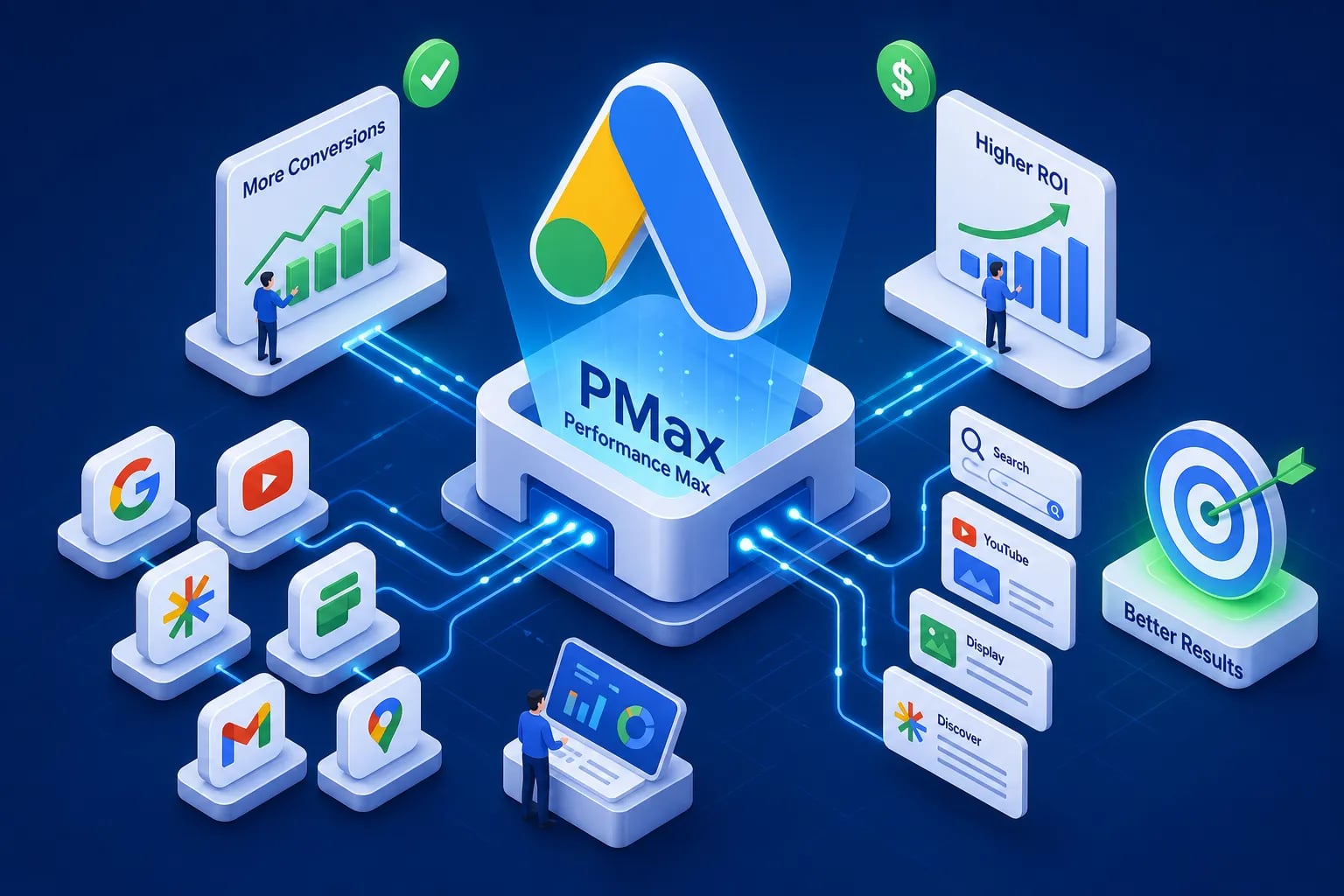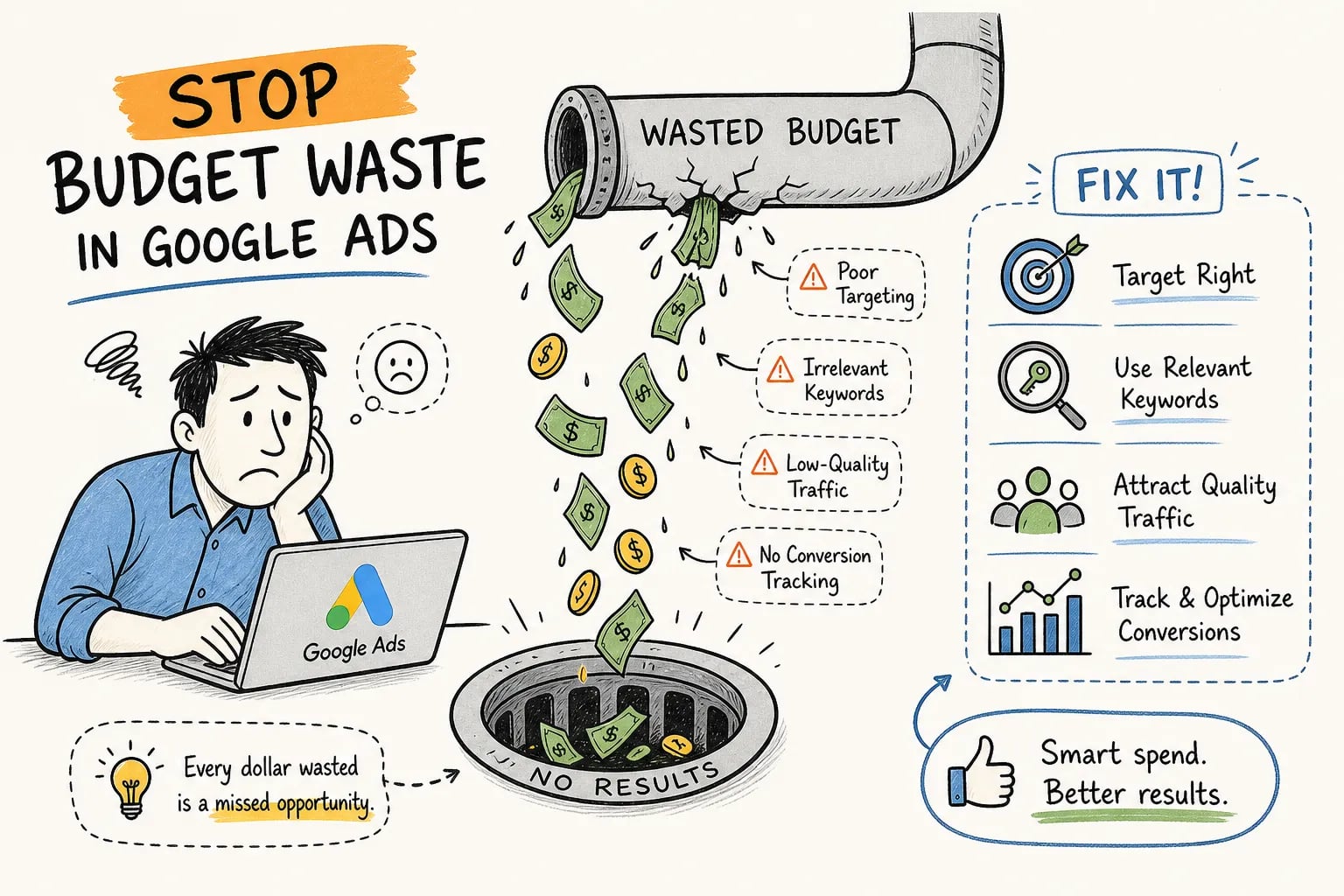


Most ecommerce brands approach their ad budget the same way: pick a monthly number, load it into Google Ads, and wait to see what happens. When the month ends and results are disappointing, the instinct is to blame the budget size. In reality, the budget is rarely the problem. The structure behind it is the real problem.
PPC budget optimization starts with how you allocate, pace, and refine your ad spend, and that determines whether paid advertising becomes a scalable growth engine or an expensive guessing game. At EcomTalkPoint, we manage PPC accounts for ecommerce brands every day, and the single biggest lever we pull in the first 60 days isn’t the bid strategy or the creative. It’s getting the budget architecture right. This guide walks through the exact framework we use: from campaign allocation and dayparting to device modifiers, portfolio bidding, and the metrics that tell you when to act.
PPC Budget Optimization: How to Allocate Your Campaign Budget the Right Way
Before you touch bid adjustments or scheduling, you need your budget distributed across the right campaigns. Most accounts we audit have this backwards, spending too much on retargeting and not enough on prospecting, which gradually starves the top of the funnel and kills long-term growth.
Campaign-level allocation: prospecting vs. retargeting
The starting framework for ecommerce Google Ads is roughly 70, 80% toward prospecting campaigns (Shopping, Performance Max, non-brand search) and 20, 30% toward retargeting and branded. Brands that tip too much toward retargeting see short-term conversion numbers that look good but hide a shrinking new-customer pipeline. Retargeting can only work when prospecting is consistently feeding it warm audiences.
The exact split should follow your stage of growth. Early-stage brands with small remarketing audiences should sit closer to 80, 90% prospecting. More mature brands with large, well-segmented retargeting lists can push toward a 60, 70/30, 40 split. The key principle is that budget follows proven channel performance, not an even default spread.
Matching budget to campaign revenue contribution
Weight your budget by how much each campaign contributes to actual revenue, not by how much traffic it generates. Using 2026 ecommerce benchmarks as a calibration point, Google Ads CPA for ecommerce ranges from $25 to $82 and CPC from $0.35 to $3.20. If one of your Shopping campaigns is consistently hitting CPA at the low end of that range, it earns a larger share of budget. If another campaign is running at the high end with no improving trend, constrain it and redirect that spend.
Campaign budget allocation is an ongoing decision, not a one-time setup. Review it monthly at minimum, and after any significant shift in conversion volume or product mix.
Dayparting for PPC Budget Optimization: Spend When Buyers Actually Convert
Running ads 24 hours a day, 7 days a week sounds like maximum coverage. In practice, it often means spending real budget during hours when your audience is asleep, distracted, or simply not buying. Ad scheduling with bid adjustments, commonly called dayparting, concentrates spend during your highest-converting windows and is a core component of Google Ads budget pacing strategy.
How to find your peak conversion windows in Google Ads
The data you need is already in your account. In Google Ads, navigate to the Dimensions tab and filter by Time to pull hourly and day-of-week conversion data. You’re looking for the periods where CPA is lowest and ROAS is highest. If your Saturday morning conversion rate is double your Tuesday afternoon rate, your budget should reflect that difference, not treat both windows as equal.
Pull at least four to six weeks of data before drawing conclusions. Short windows produce noisy signals that lead to over-adjusting, which creates new inefficiencies rather than fixing old ones.
Setting up ad schedule bid adjustments correctly
Once you’ve identified your top windows, apply positive bid adjustments in the range of +10% to +30% during those periods. During consistently weak windows, apply negative adjustments. For hours with near-zero conversion history, a large negative adjustment or full exclusion is justified.
One pacing detail to keep in mind: Google can spend up to 2x your daily budget on any given day and targets your full monthly budget across all eligible days. When ad scheduling is active, this monthly pacing target doesn’t change. If you schedule ads across only certain days, Google may spend more aggressively on those days to hit the monthly goal. Monitor impression share lost to budget as your primary signal for whether this is working in your favor or against you.
Device Bid Adjustments That Protect Your Margins
Ecommerce traffic behaves very differently depending on the device. Mobile drives browsing and research. Desktop typically drives purchase decisions. Without device-level bid adjustments, you pay the same effective rate for clicks that have radically different conversion rates, which drags your overall CPA up and compresses your ROAS, a direct hit to ad spend efficiency.
Reading device-level performance data before adjusting bids
Pull device-level CPA and ROAS from the Segment report in Google Ads and use at least 30 to 60 days of data. Identify which device is performing at or below your target CPA and which is running above it. Don’t skip this step. Adjustments made on assumptions instead of actual device data are one of the most common sources of preventable wasted spend we see in new client accounts.
Applying device modifiers without cutting reach you need
If mobile CPA is running 50% above your target, a -30% modifier is a reasonable starting point. If desktop is your strongest converting device, leave it at baseline or apply a modest positive modifier to capture more of that traffic. Device adjustments can range from -100% (which effectively excludes that device) all the way to +900%.
Be careful about pulling mobile to zero. Excluding mobile entirely often limits your remarketing reach later, because a large portion of initial site visits come from mobile users who convert on desktop. The goal is efficiency, not elimination.
Portfolio Bidding Strategies That Automate Smarter Budget Control
Once your campaign structure, scheduling, and device adjustments are in place, portfolio bidding is how you scale budget decisions across multiple campaigns without managing each one in isolation. It’s one of the most powerful budget bidding strategies available to ecommerce brands running several product category campaigns simultaneously, and it’s central to any serious PPC spend optimization effort.
What portfolio bidding is and when ecommerce brands should use it
A portfolio bid strategy applies a single performance target, like target ROAS or target CPA, across a group of campaigns. Instead of each campaign optimizing independently, Google treats the grouped campaigns as a shared optimization pool and moves budget toward whatever combination achieves the shared goal most efficiently. This matters most when individual campaigns don’t have enough monthly conversion volume on their own to train Smart Bidding reliably. Pooling them creates enough signal for the algorithm to work with, making portfolio strategies a practical tool for performance budget optimization at scale.
Target ROAS and target CPA portfolio strategies in practice
Group campaigns by similar margin profiles or product categories into a single portfolio. For target ROAS, a healthy ecommerce benchmark in 2026 sits between 2x and 4x on Google Ads. Set your target just above your current average ROAS to give the algorithm room to optimize without overreaching. For target CPA, set your target at or slightly below your current average CPA to create gradual pressure toward efficiency without triggering aggressive volume cuts.
One critical detail: underfunded campaigns constrain the entire portfolio. If individual campaign budgets are set too low, the portfolio can’t optimize fully because the algorithm runs out of spend before it can test and learn. Make sure campaign-level budgets are set high enough to support the learning process.
The Metrics That Tell You When to Shift, Pause, or Scale Spend
PPC budget optimization isn’t a quarterly task you schedule into a calendar. It requires a structured weekly review with clear action thresholds, not gut-feel decisions made after a bad week.
Core metrics and their budget action thresholds
Three metrics should drive your budget decisions: ROAS, CPA, and impression share lost to budget. For ROAS, the raise trigger is consistent performance at least 25, 50% above your break-even ROAS across three or more consecutive review intervals. The reduce trigger is ROAS falling below break-even. Remember: break-even ROAS is calculated as 1 divided by your gross margin. A brand with 25% margins needs 4x ROAS just to break even; a brand with 60% margins can profit at 1.7x.
For CPA, reduce spend when CPA climbs 35, 40% above your target over a 48-hour to 7-day window. Pause when CPA hits 2x your target and the trend isn’t improving. Using 2026 ecommerce benchmarks as a reference, the industry CPA range of $25 to $82 gives you a realistic anchor for setting your own thresholds relative to your product margins and AOV.
Impression share lost to budget is your early warning signal for missed revenue. When this metric consistently runs above 20%, demand exists that your budget is preventing you from capturing. That’s the trigger to increase spend, provided your efficiency metrics are meeting target.
Building a weekly budget review cadence
A useful weekly review covers four things: actual spend vs. pacing target, ROAS and CPA by campaign, device-level efficiency, and impression share lost to budget. Each of these connects directly to a budget action. Without this review running on a fixed schedule, you’re reacting to problems after they’ve already cost you money for days or weeks.
Most ecommerce operators can’t run a rigorous weekly PPC review alongside managing inventory, fulfillment, and customer service. That gap is where unstructured ad spend quietly compounds into wasted budget with no clear diagnosis.
Why Ongoing Refinement Is Where the Real Results Compound
A well-built budget structure delivers results in the first month. The compounding gains come from continuous, structured refinement, and this is where most in-house teams fall short, not because of skill, but because of bandwidth and competing priorities.
What ongoing paid search budget management actually looks like
Ongoing optimization means weekly performance reviews, regular calibration of bid adjustments, budget reallocation after seasonal demand shifts, and portfolio bidding targets updated as account conversion data matures. It’s not “set and forget” automation. It’s a repeating cycle: measure, adjust, test, and measure again. Most ecommerce brands that plateau on paid ads have simply stopped doing this work consistently, often without realizing it.
How EcomTalkPoint structures this for ecommerce brands
EcomTalkPoint builds and continuously refines exactly the PPC budget optimization frameworks covered in this guide. That means campaign allocation, dayparting, device bid modifiers, and portfolio bidding, all managed under a structured ongoing process with transparent weekly reporting tied directly to ROAS and revenue. If you’re spending $500 or more a month on ads and your budget still feels like a black box with no clear connection to results, that’s the signal you need a partner focused on profitable growth metrics rather than vanity reporting.
Build the System, Not Just the Budget
The four core levers covered in this guide are smart campaign allocation, dayparting, device bid adjustments, and portfolio bidding. None of them work in isolation, and none of them are one-time fixes. Each requires ongoing calibration against your actual performance data, your margin structure, and the seasonal realities of your market.
The ecommerce brands that get the most from their ad spend aren’t the ones with the biggest budgets. They’re the ones with a structured system for reviewing key thresholds weekly and reallocating toward what’s working. Effective PPC budget optimization means your ad spend stops feeling like a gamble and starts functioning like a growth investment.
If you want that system built and managed for you, EcomTalkPoint specializes in PPC budget optimization for ecommerce brands. Reach out to our team to schedule a PPC budget optimization audit and get a clear picture of where your spend is working, where it’s being wasted, and what’s ready to scale.