
You can run a technically perfect Google Ads campaign, tight keyword targeting, strong ad copy, solid Quality Score, and still lose money because of poor landing page optimization. The reason is almost always the landing page itself. Many advertisers focus on ad metrics and underinvest in what happens after the click, which is exactly where conversions are won or lost.
At EcomTalkPoint, we see this pattern with nearly every new client who comes to us frustrated with their paid traffic results. The ads aren’t the problem. The page is. This guide covers the core elements of landing page optimization (LPO) for paid traffic: what to fix first, what the data actually says, and how to build pages that turn ad spend into revenue.
Why Paid Traffic Fails Before It Ever Converts
The conversion rate reality check starts here. The median landing page conversion rate across industries sits at 6.6%, drawn from an Unbounce benchmark dataset of roughly 41,000 pages, 464 million pageviews, and 57 million conversions. Ecommerce lands at 4.2%. SaaS at 3.8%. If your paid search landing page converts below typical channel benchmarks, paid search averages 10.9%, investigate on-page issues first, but also check targeting, attribution, and campaign settings before drawing conclusions.
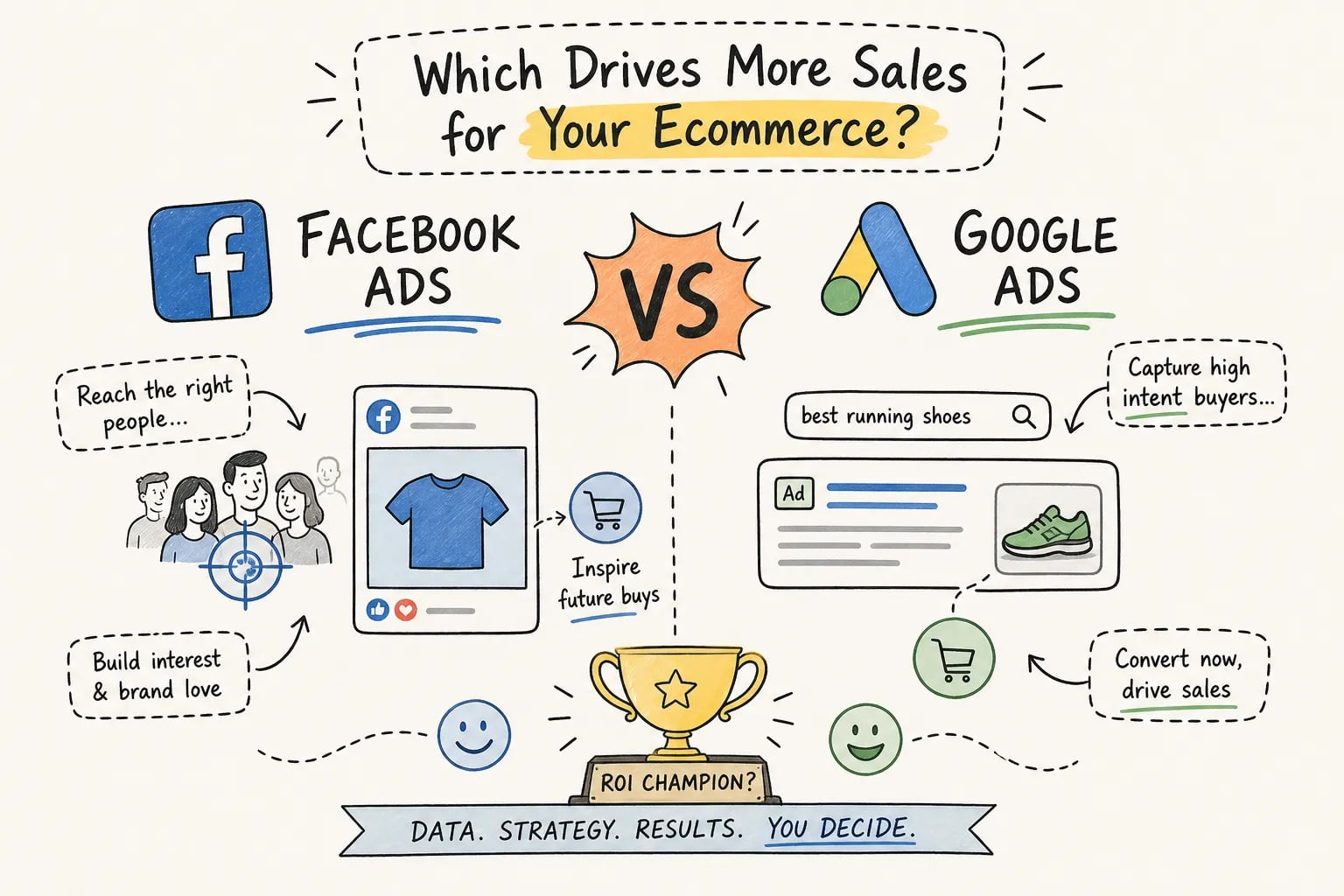
Channel context matters too. Paid search averages 10.9% conversion while display advertising averages 4.1%. Same page, completely different audience intent. A visitor who clicked a Google Search ad for “best PPC agency for ecommerce” is far more ready to act than someone who happened to see a display banner. When your paid search page still underperforms at that higher intent level, the page has a structural problem.
Most advertisers judge campaign success by click-through rate and cost per click, not by what happens after the click lands, a full-funnel blind spot. The most common failure point is message match: when the ad promises one thing and the landing page opens with something completely different, visitors bounce within seconds. Optimizing a landing page is not a design exercise. It is a revenue exercise tied directly to how efficiently your ad spend converts.
Landing Page Optimization: Headline Clarity and Above-the-Fold Design
The headline is the first thing a paid visitor reads, and it either earns the click you already paid for or wastes it. Benefit-led headlines consistently outperform feature-led ones by roughly 27%, and individual headline rewrites have produced conversion lifts ranging from 27% to over 100%, per VWO case studies. The principle is straightforward: lead with the specific outcome the customer gets, not a description of what you sell.
Equally important is message match between your ad and your headline. If your Google ad says “Stop Wasting Ad Budget,” your landing page headline cannot open with “Welcome to Our Agency.” The visitor arrived with a specific expectation. Breaking that continuity triggers immediate skepticism and a quick exit. Adding the target audience or use case to your headline sharpens relevance even further: “PPC Management for Ecommerce Brands Under $5K/Month in Ad Spend” tells the right visitor they’re in the right place instantly.
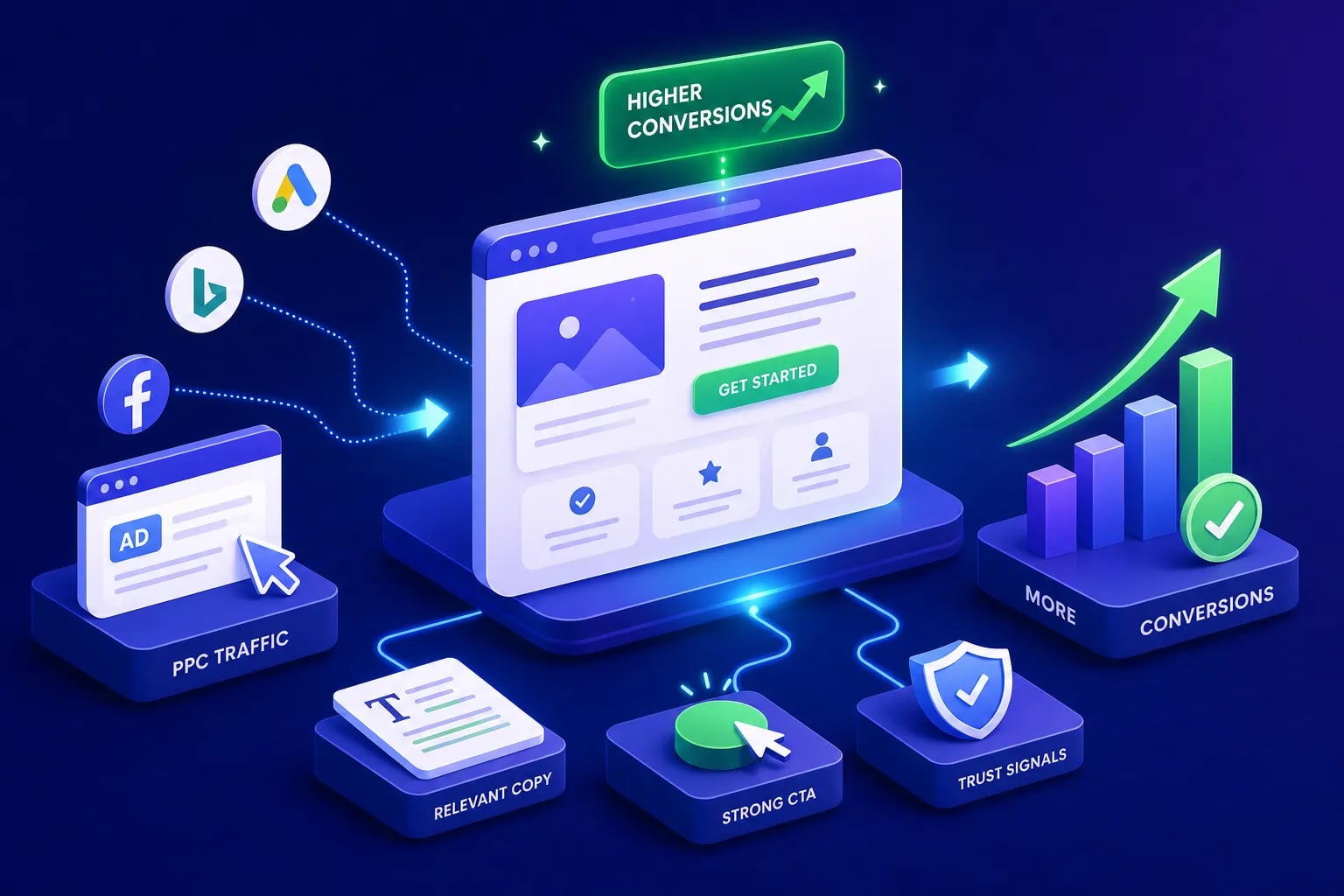
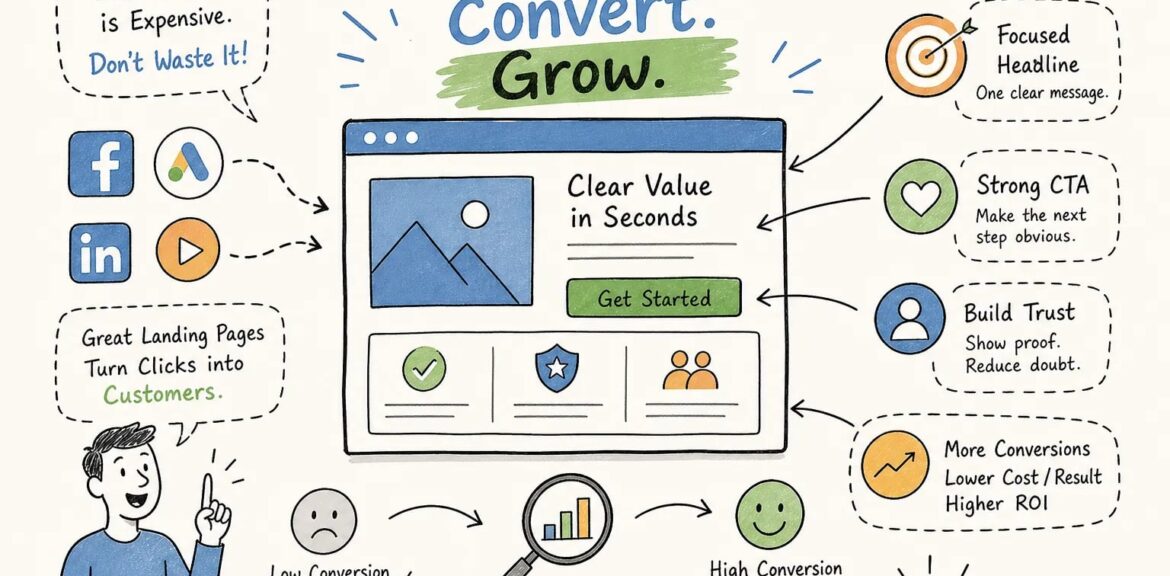
Above the fold, every visitor should immediately see the headline, a supporting subheadline, the primary CTA, and a visual that shows the product or outcome, all without scrolling. This above-the-fold arrangement is a widely recommended conversion heuristic; CXL research consistently shows that making your core offer and CTA immediately visible reduces early abandonment on paid landing pages. Video pages outperform text-only pages by up to 86%, but only when the video reinforces the offer rather than slowing the page down. Navigation menus and unrelated links draw attention away from the conversion goal; minimize every exit path above the fold and keep the visitor’s focus fixed on a single action. Note that removing navigation entirely can hurt site architecture for organic visitors, so apply this principle selectively to dedicated paid traffic landing pages.
High-converting landing pages share this above-the-fold discipline consistently across industries. If your current page doesn’t meet that standard, that’s your first fix.
Trust Signals That Remove Hesitation at the Decision Point
Visitors arriving from paid ads are strangers. They don’t know your brand, they didn’t come through a referral, and they have no reason to trust you yet. Trust signals close that credibility gap fast enough to prevent abandonment, but placement matters as much as the signal itself. Trust elements placed near the CTA produce stronger results than the same elements buried at the bottom of the page, because they answer objections at the exact moment of decision.
The most effective trust elements for paid traffic are verifiable customer reviews with star ratings, recognizable client logos, specific case study results with actual numbers, and third-party certifications. For ecommerce specifically, secure payment icons, a clear return policy, and shipping timelines belong near the Add to Cart button. Each element directly addresses what a buyer is questioning at the moment of purchase.
A money-back guarantee or free trial shifts perceived risk away from the buyer and onto the seller, which removes one of the most common reasons people hesitate. For service businesses, a visible phone number or physical address increases conversions more than most marketers expect, because it signals that a real organization is behind the page. When it comes to social proof, specific and attributed customer screenshots typically outperform anonymous five-star badges in A/B tested cases, but test both on your own page, since audience and offer type can influence which format performs better for your specific context.
CTA Placement, Form Length, and Conversion Friction
The data on form friction is hard to ignore. Reducing a form from 11 fields to 4 has produced a reported 120% lift in conversions. Three-field forms convert at an average of 10.1%, while nine-field forms convert at 3.6%. That gap doesn’t represent a minor improvement opportunity, it represents real revenue left on the table every day the long form stays live. The rule is simple: ask for the minimum information needed to start the conversation, not everything you wish you had upfront.
For service businesses that need to qualify leads, the answer isn’t a long single-page form. It’s a multi-step form that breaks the request into smaller, lower-friction steps. The first step asks for something easy (like a name or service type), which increases the likelihood the visitor commits to completing the rest. Lead capture page optimization works the same way for ecommerce email capture or quiz funnels, one or two fields often outperform three.
On CTA copy, the difference between “Submit” and “Get My Free Audit” is not a cosmetic one. Unbounce data shows a single clear CTA converts at 13.5% on average versus 11.9% for pages with two to four CTAs, meaning one primary CTA consistently wins. The copy should combine an action verb with the specific outcome the visitor receives. Above the fold is non-negotiable for paid traffic. A second CTA at the bottom of a longer page is acceptable as a convenience anchor, not a replacement for the primary one.
Landing Page Optimization: Page Speed, Core Web Vitals, and Mobile Performance
Page speed is not a technical vanity metric. It is a direct conversion variable. The probability of a mobile bounce increases 32% when load time goes from 1 second to 3 seconds, and 123% when it reaches 10 seconds. Amazon’s internal performance data has linked every 100 milliseconds of additional latency to roughly a 7% decrease in conversions, math that compounds quickly when you’re running paid traffic at volume.
Core Web Vitals translate those abstract speed concerns into actionable targets. LCP (Largest Contentful Paint) should hit 2.5 seconds or below: the main content, your headline and offer, must load fast enough for visitors to actually read it. INP (Interaction to Next Paint) should stay below 200 milliseconds, ensuring your forms and CTA buttons respond instantly when someone engages with them. Keep CLS (Cumulative Layout Shift) below 0.1, layout shifts that move content around mid-load destroy trust and cause accidental taps on mobile, two problems that kill conversions before the visitor ever reaches your CTA.
Paid social traffic from Instagram and Facebook skews heavily toward mobile, with some benchmark datasets reporting mobile generating roughly 83% of visits. A page that works cleanly on desktop but lags on mobile is effectively burning the majority of your paid social budget before the visitor ever sees the offer. Mobile optimization is not optional for paid traffic. Compressed responsive images, minimal render-blocking scripts, single-column form layouts, large tap targets for CTAs, and no interstitials blocking the offer are the baseline requirements. Test on real mobile devices, not just browser emulators, especially for form interactions and button behavior.
How to Audit and A/B Test Your Landing Pages Systematically
Before you test anything, you need to know what’s broken. Start with your analytics: look for high bounce rates on paid traffic sessions, low time on page, and drop-off between the landing page visit and the conversion event. These three signals tell you whether visitors are leaving immediately (a headline or relevance problem), leaving after engaging (a friction or trust problem), or getting to the conversion step but not completing it (a form or CTA problem).
Heatmaps and session recordings from tools like Microsoft Clarity or Hotjar show where visitors stop reading, what they click, and whether they reach the CTA at all. Use these to form a hypothesis before you run a test, not after. Research consistently points to form friction as the highest-leverage starting point, followed by headline clarity, CTA specificity, and then page speed, though traffic source, conversion type, and page structure can shift those priorities. Use your analytics signals to confirm which lever matters most on your specific page before committing to a test.
Use this landing page checklist before launching any new paid traffic campaign: confirm message match between ad and headline, verify the CTA appears above the fold, check that the form asks for no more fields than necessary, validate page load time on mobile, and confirm trust signals appear near the primary CTA. Running valid A/B tests on these elements requires discipline. Precompute your sample size before launching any test using 95% confidence, 80% statistical power, and a minimum detectable effect that’s commercially meaningful. Run every test for a minimum of two full weeks and until the precomputed sample size is reached. Stopping early is the most common testing mistake; it inflates false positive rates and sends businesses chasing results that don’t hold. For low-traffic pages where a valid test would take months, run larger structural changes combining headline, CTA, and form together, or use qualitative research via user testing before committing to scaling paid traffic volume.
Landing page CRO is most effective when it runs as an ongoing process, not a one-time project. Build a test backlog, document your results, and apply winning patterns across your full page library.
The Full-Funnel Approach That Makes Paid Ads Actually Profitable
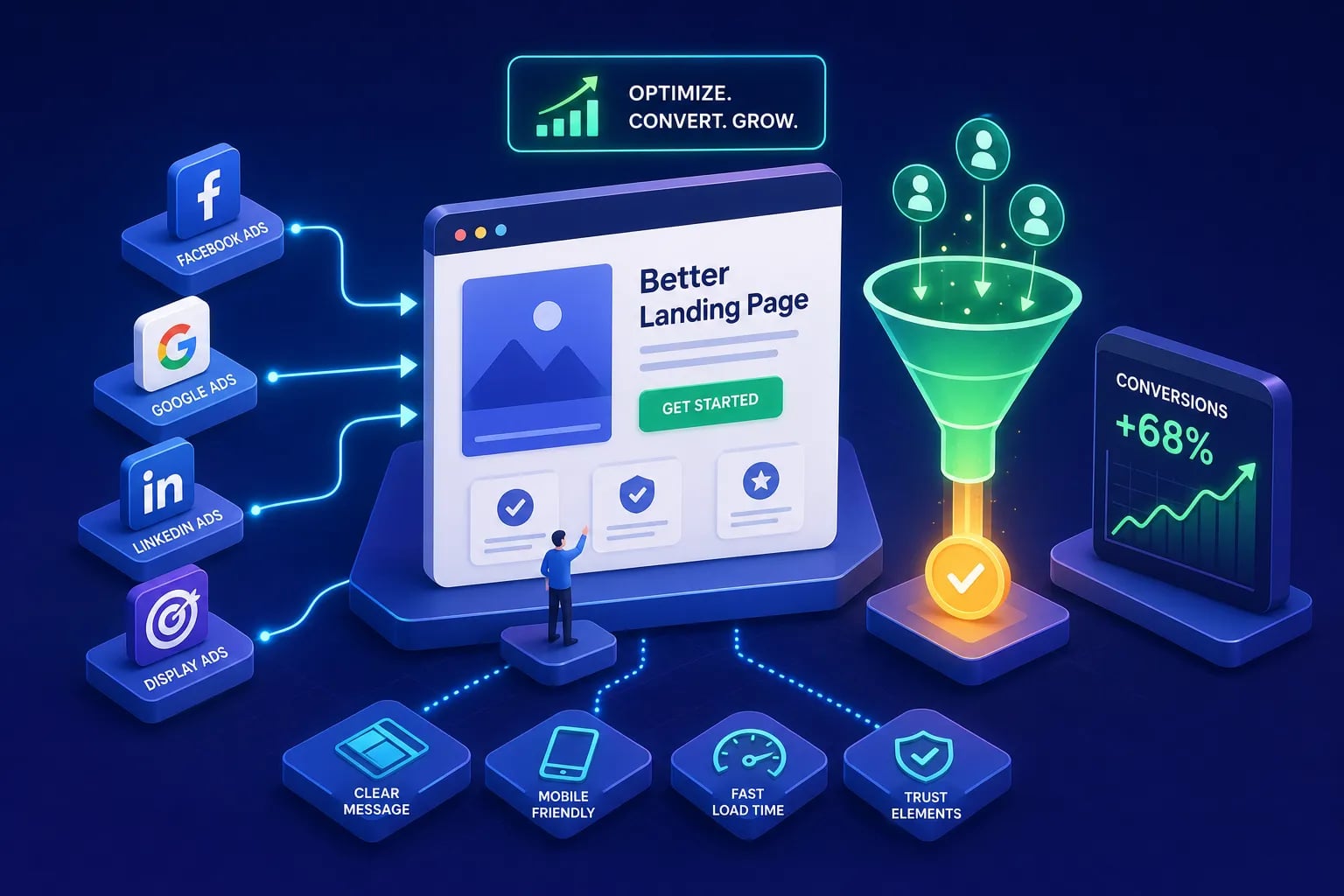
Landing page optimization for paid traffic is not optional if you’re paying for clicks. Every dollar you spend on Google Ads, Meta Ads, or Google Shopping is a bet that your landing page will close what your ad started. Headline clarity, above-the-fold design, strategic trust signals, frictionless CTAs, fast page loads, and mobile-ready layouts work together as a system. Weaken any one of them and the whole funnel leaks.
This is exactly why EcomTalkPoint doesn’t just manage your ad campaigns and hand you a traffic report. Our approach covers the full funnel: from the keyword and the ad creative to the landing page where the conversion actually happens. If you’re sending paid traffic to a page that isn’t optimized, you’re paying twice, once for the click, and once for the missed sale. We make sure that doesn’t happen.
If you want a landing page optimization audit alongside your PPC management, that’s exactly what we do. Reach out to our team and we’ll identify precisely where your funnel is leaking, quantify what fixing it is worth to your bottom line, and prioritize the changes that move revenue first.